A reference atlas for the digital campus · U.S. English
A field atlas / University of Utah digital campus
Find the service. Understand its job.
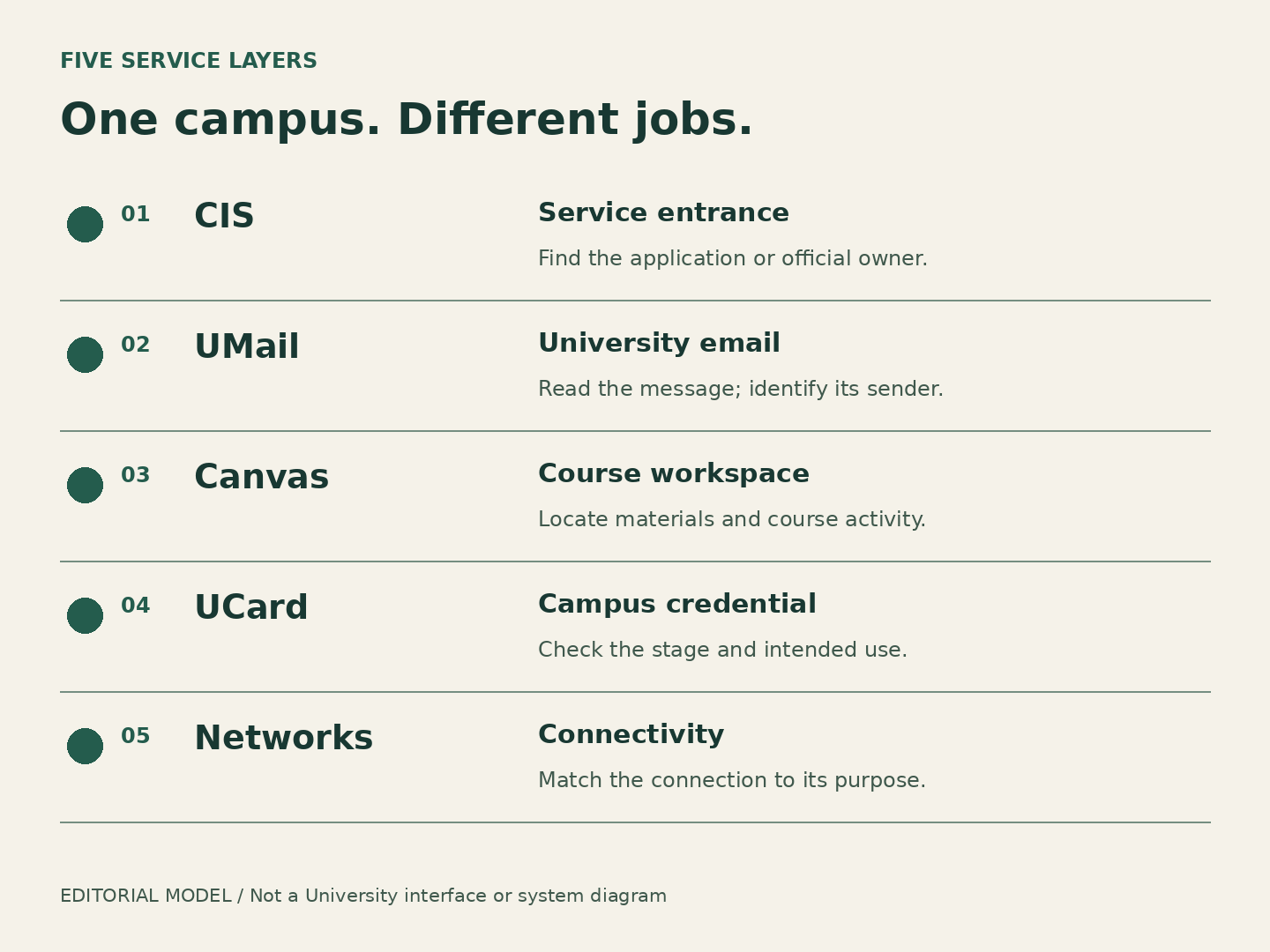
CIS, email, courses, campus credentials and connectivity are related. They are not interchangeable.
This publication is not affiliated with, sponsored by or operated by the University of Utah. Subject names identify the subjects of the articles, not the publisher. This is an editorial publication. No sign-in, account access or official support is provided here.
Choose the service and kind of question. Get an official starting point, a reason and a bounded observation to bring. No account inspection, diagnosis or request submission.
Independent editorial routing. Links below leave this publication for official sources; this is not University support.
Choose both categories to see the matching route.
All routes, with or without JavaScript
Open any service below and read the branch matching your question. These are the same explanations used by the selector. Categories only; no personal information is requested or saved by this tool.
CIS / unfamiliar service
I need to understand where to start
Find the official service entrance
Why this route: CIS collects entrances to university services. Identify the service whose information or decision you need before asking for a change.
Bring this observation: Name the desired outcome and the service label. A portal opening is not evidence that the task behind it completed.
Boundary: This is a source-backed starting point, not an eligibility decision or a completed service request.
Why this route: A technical failure needs the service name and observable symptom. Campus IT can help route campus access or technology issues; it does not decide another office’s requirements.
Bring this observation: Keep the service name, public entry route, approximate time with time zone, non-sensitive error wording and what still works. Do not send credentials.
Boundary: A support request does not prove repair or grant service access. Follow the official office’s current instructions; no response time is promised.
Why this route: If a service opens but its information is unclear, identify the responsible office. Technical access is not the same as authority to interpret or change a record.
Bring this observation: Describe the exact passage or feature and the answer you need. Share personal details only through the verified official channel if the office requests them.
Boundary: This is a source-backed starting point, not an eligibility decision or a completed service request.
Why this route: A technical failure needs the service name and observable symptom. Campus IT can help route campus access or technology issues; it does not decide another office’s requirements.
Bring this observation: Keep the service name, public entry route, approximate time with time zone, non-sensitive error wording and what still works. Do not send credentials.
Boundary: A support request does not prove repair or grant service access. Follow the official office’s current instructions; no response time is promised.
Why this route: A delivered message is evidence of communication. Its sender or named service owner explains what it requires; the email platform does not. Use the official service directory when the owner is unfamiliar.
Bring this observation: Describe the exact passage or feature and the answer you need. Share personal details only through the verified official channel if the office requests them.
Boundary: This is a source-backed starting point, not an eligibility decision or a completed service request.
Why this route: The owning page distinguishes Canvas platform support from DLT Canvas/video support. The listed Instructure route excludes video services.
Bring this observation: Keep the service name, public entry route, approximate time with time zone, non-sensitive error wording and what still works. Do not send credentials.
Boundary: This aid does not diagnose the cause. If a time-sensitive course task is affected, notify its instructor through the established course channel; a support request does not change a deadline.
Why this route: If the course opens but instructions or materials are unclear, ask the instructor what was intended. Course features vary with instructor implementation.
Bring this observation: Describe the exact passage or feature and the answer you need. Share personal details only through the verified official channel if the office requests them.
Boundary: This is a source-backed starting point, not an eligibility decision or a completed service request.
Why this route: The UCard Office handles Mobile UCard setup and use. Its support page distinguishes vendor device, wallet and account issues.
Bring this observation: Keep the service name, public entry route, approximate time with time zone, non-sensitive error wording and what still works. Do not send credentials.
Boundary: A support request does not prove repair or grant service access. Follow the official office’s current instructions; no response time is promised.
Why this route: Describe the credential stage and the campus service you want to use. Do not equate an approval message with every downstream service being ready.
Bring this observation: Describe the exact passage or feature and the answer you need. Share personal details only through the verified official channel if the office requests them.
Boundary: This is a source-backed starting point, not an eligibility decision or a completed service request.
Why this route: A technical failure needs the service name and observable symptom. Campus IT can help route campus access or technology issues; it does not decide another office’s requirements.
Bring this observation: Keep the service name, public entry route, approximate time with time zone, non-sensitive error wording and what still works. Do not send credentials.
Boundary: A support request does not prove repair or grant service access. Follow the official office’s current instructions; no response time is promised.
Why this route: Use the official network descriptions to distinguish a student device, visitor access, IoT device or participating-institution traveler. These categories do not establish compatibility.
Bring this observation: Describe the exact passage or feature and the answer you need. Share personal details only through the verified official channel if the office requests them.
Boundary: This is a source-backed starting point, not an eligibility decision or a completed service request.
Why this route: A technical failure needs the service name and observable symptom. Campus IT can help route campus access or technology issues; it does not decide another office’s requirements.
Bring this observation: Keep the service name, public entry route, approximate time with time zone, non-sensitive error wording and what still works. Do not send credentials.
Boundary: A support request does not prove repair or grant service access. Follow the official office’s current instructions; no response time is promised.
Ask Orientation & Transition about the requirement
Why this route: The office’s student-specific guidance governs requirements. A working old account or a friend’s checklist does not decide your route.
Bring this observation: Describe the exact passage or feature and the answer you need. Share personal details only through the verified official channel if the office requests them.
Boundary: This is a source-backed starting point, not an eligibility decision or a completed service request.
Why this route: Use the app-issue route for an app fault and university-ID help for an ID-access problem. Ticket questions use the ticket owner.
Bring this observation: Keep the service name, public entry route, approximate time with time zone, non-sensitive error wording and what still works. Do not send credentials.
Boundary: A support request does not prove repair or grant service access. Follow the official office’s current instructions; no response time is promised.
Why this route: A campus-life app may link to another service. Use the tickets, alumni, identity or app route that fits the actual question.
Bring this observation: Describe the exact passage or feature and the answer you need. Share personal details only through the verified official channel if the office requests them.
Boundary: This is a source-backed starting point, not an eligibility decision or a completed service request.
Why this route: Product, intended use and student eligibility matter. A catalog listing does not make every product free or available to every reader.
Bring this observation: Identify the exact product or edition and intended use, then follow the Office of Software Licensing route to that product’s current requirements.
Boundary: This is a source-backed starting point, not an eligibility decision or a completed service request.
Why this route: A technical failure needs the service name and observable symptom. Campus IT can help route campus access or technology issues; it does not decide another office’s requirements.
Bring this observation: Keep the service name, public entry route, approximate time with time zone, non-sensitive error wording and what still works. Do not send credentials.
Boundary: A support request does not prove repair or grant service access. Follow the official office’s current instructions; no response time is promised.
Ask about the exact product’s current licensing terms
Why this route: Compare the exact product, eligibility, permitted use and license period. Use its current licensing page or official support; a campus listing alone does not establish permission.
Bring this observation: Identify the exact product or edition and intended use, then follow the Office of Software Licensing route to that product’s current requirements.
Boundary: This is a source-backed starting point, not an eligibility decision or a completed service request.